ClockingIT PROJECTS + TIME
Get started

SCREENSHOTS

A look around

These are real ClockingIT screens from a demo workspace. Turn off the tools you do not need to keep things simple.

Task list

Filter and sort a large backlog, then save any filter as a view. See labels, progress, due dates, and a timer on every row.
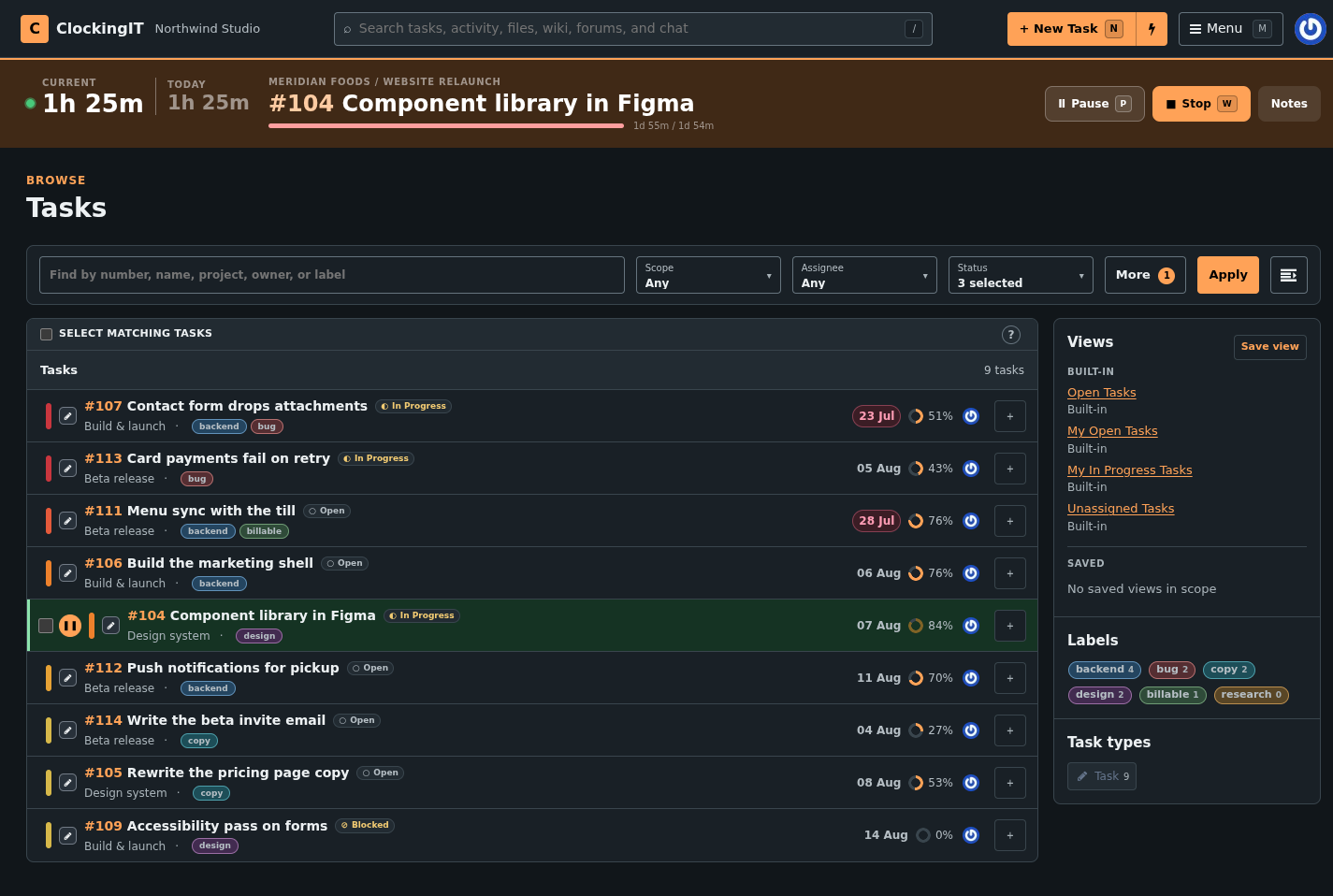
The task list with filters, coloured labels, saved views and a sidebar of label counts.

Kanban board

The same tasks as a board. Group by status, assignee, milestone or due date, and drag a card to move the work along.
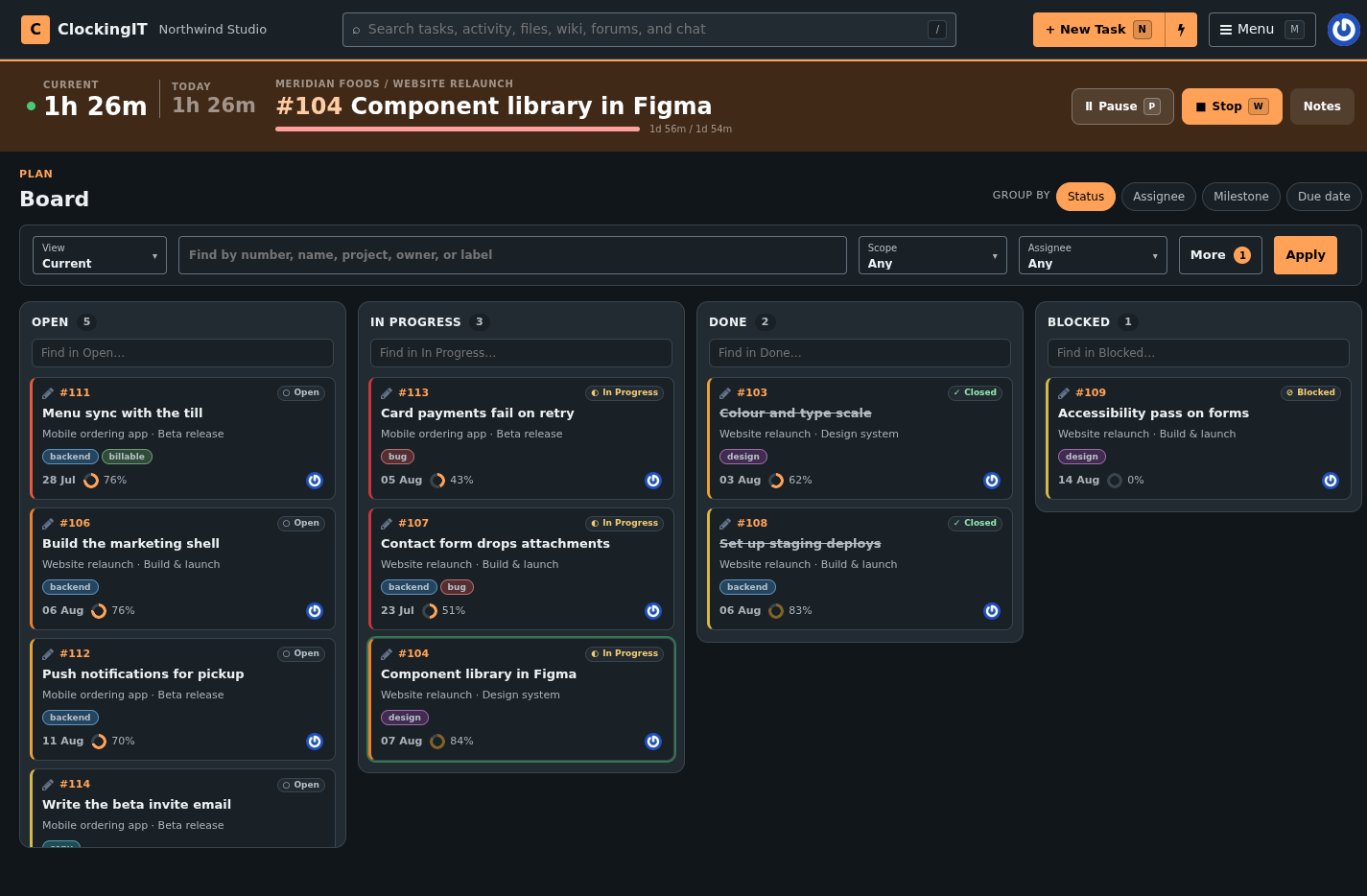
A Kanban board with Open, In Progress, Done and Blocked columns of task cards.

Reports

Break down recorded time by task, person, client, or date, then export the results to CSV.
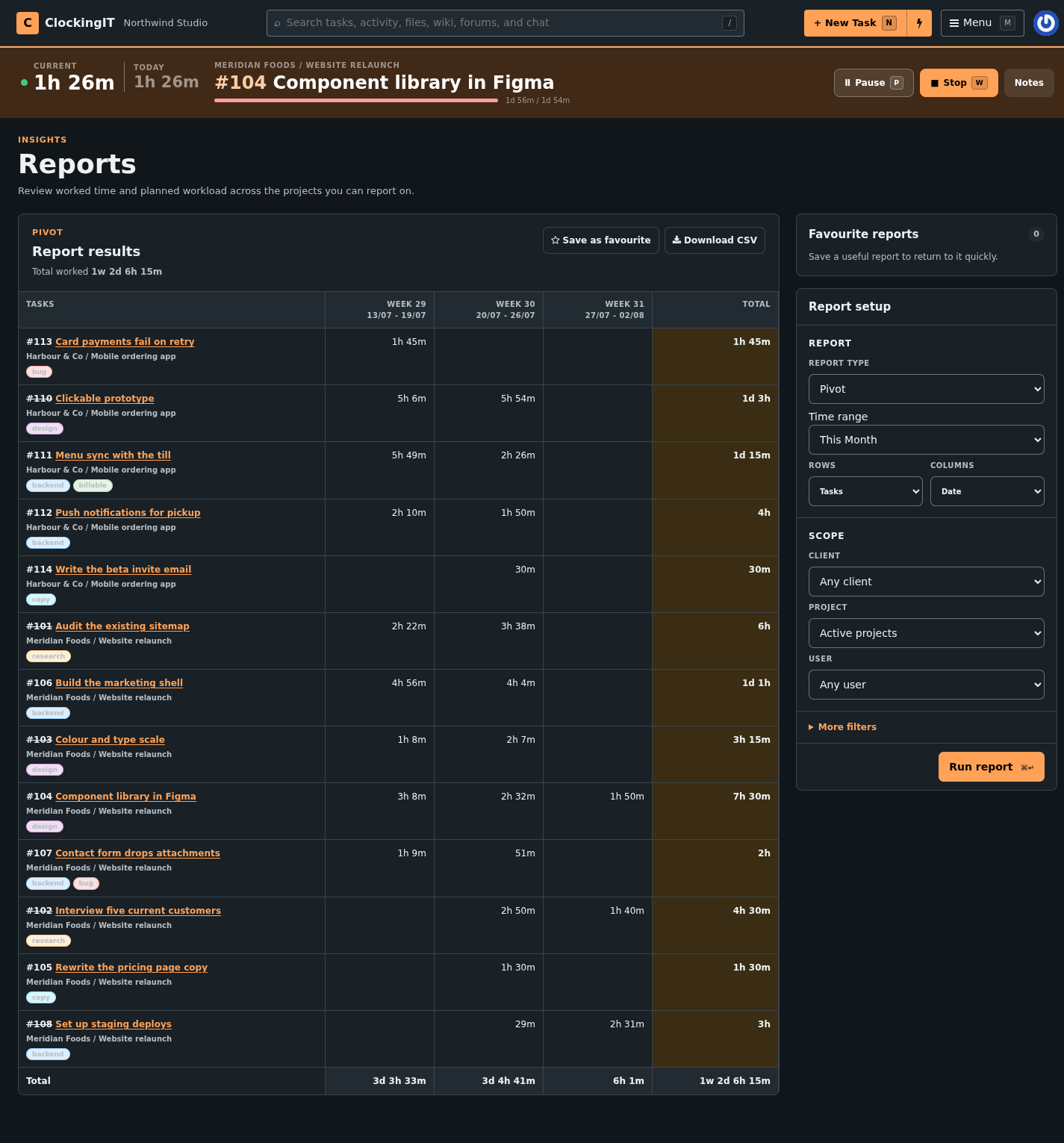
A pivot report of tasks against weeks, with per-week and total worked time.

IN THE BOX

Features in detail

Project management

  • Task filters
  • Time tracking
  • Hours budget
  • Client overview
  • Milestones
  • Timeline
  • Calendar
  • Gantt chart
  • Kanban board
  • Drag & drop organising
  • Dependencies
  • Checklist
  • Notes
  • Comments
  • Reports
  • CSV export

Collaboration

  • Private forum
  • Private wiki
  • Chat
  • Direct messages
  • Email alerts
  • Replies by email
  • RSS & iCal feeds
  • File storage

Extras

  • 21 languages
  • Customisable widgets
  • Company branding
  • Avatars
  • Keyboard shortcuts
  • Command palette
  • Dark theme

Try it with your own work

No credit card required.

Create your workspace